Canva for Real Estate Agents: Free Library vs a Ready-Made Kit
Use Canva's free real estate templates for flexible designs. Choose a ready-made kit when you also need organized post ideas and copy to adapt.
By Realtor Marketing Kit by Cosmo Suite · Editorial policy
Published · 7 min read

It's the afternoon before an open house. You have a photo and the date, but still need a post that looks like your business and says something useful. Canva can help with the design. It cannot decide what you should say or when that post belongs in your listing plan.
Canva for real estate agents works well when you want to make a design yourself. Its free real estate collection gives you a place to start. A ready-made kit can help when the blank canvas is only part of the work: you may also need a post type, editable starting text and a way to keep listing updates organized.
Key takeaway: use Canva's free library when you only need a design. Use a ready-made kit when you also need post types and starting copy.
Start with where you lose time: searching for a layout, deciding what to say, or keeping posts organized. This guide compares the free library with a prepared kit, then shows a simple way to use either one without turning every post into a new design project.
Canva Gives You a Flexible Starting Point
Canva is a design platform with a public collection of editable real estate templates. Browse the real estate campaign collection, choose a design for the job, then replace its sample text and images. The free account is useful when you want to experiment or need occasional designs. Check for paid elements before relying on a template. Canva's real estate business tools also describe brand controls and team workflows, a different need from choosing one public template.
Those business features are different from the public template collection. A solo agent looking for a simple social post may not need a brokerage-wide system.
The free library solves the layout problem. You still choose the message, verify the property details, write the caption, and make sure the design fits the platform where you plan to use it. If those steps are already easy for you, the free option may be enough.
Free Canva Templates or a Ready-Made Kit?
Use the free library when you want design flexibility and do not mind building your own content plan. Consider a prepared kit when you want common post types and starting copy grouped together. Neither option writes your local market facts or checks your brokerage rules.
| What you need | Canva's free library | Realtor Marketing Kit |
|---|---|---|
| A few designs to edit | Strong fit | Available across its template sets |
| Starting copy and organized post types | You plan and write these | Included for listed social post types |
| Control over the design | Choose and adapt a public template | Edit the linked Canva templates |
| Cost model | Free account; check for paid elements | One-time purchase; $9 as checked on 10 November 2026 |
| Publishing or lead follow-up | You handle it | You handle it |
Canva gives you a broad design tool and a public collection. Realtor Marketing Kit groups editable marketing assets and starting content for agents who want less assembly before they customize. It does not post for you or generate leads.

Choose the Option That Fits Your Weekly Work
A ready-made template kit is a group of editable designs arranged around a specific type of work. It can save setup time when you repeatedly make similar posts. It does not replace local details, a content decision or a broker's review.
Choose Canva's free collection if you enjoy shaping each design, need one or two assets, or want to explore different looks. It gives you room to select a visual style and adjust it yourself. Keep a short note of the designs you use so the next post does not start from zero.
Choose a ready-made kit if your recurring task is deciding what to post and finding a format for each listing moment. Look at the actual contents before buying. Count the formats you would use, check whether they are editable in the account you have, and confirm whether the kit includes the guide or planning materials you need. A larger library has little value if its categories do not match your work.
If you are on a team, ask who approves the copy and who supplies current listing details. Canva's business tools describe ways to manage team brand controls. A downloadable kit is a different kind of resource: your team still needs its own process for approval, file access and updates.
For either option, save one approved version of your logo, brokerage details, color choices and contact information. Keep those items together with a checklist of facts to confirm. That small routine prevents a polished design from carrying an outdated phone number or a property status that has changed.
Before you choose a template, write down the one thing the reader should notice first. If the open-house date is the point, give it the clearest place on the design. If the post is a market note, make the area and period visible, then keep the explanation in the caption. A template is working when the visual order matches the order of those facts.
A Five-Step Canva Workflow for a Listing Post
Start with the job the post needs to do, then customize one design around that job. This keeps you from choosing a layout first and squeezing the message into it afterward.
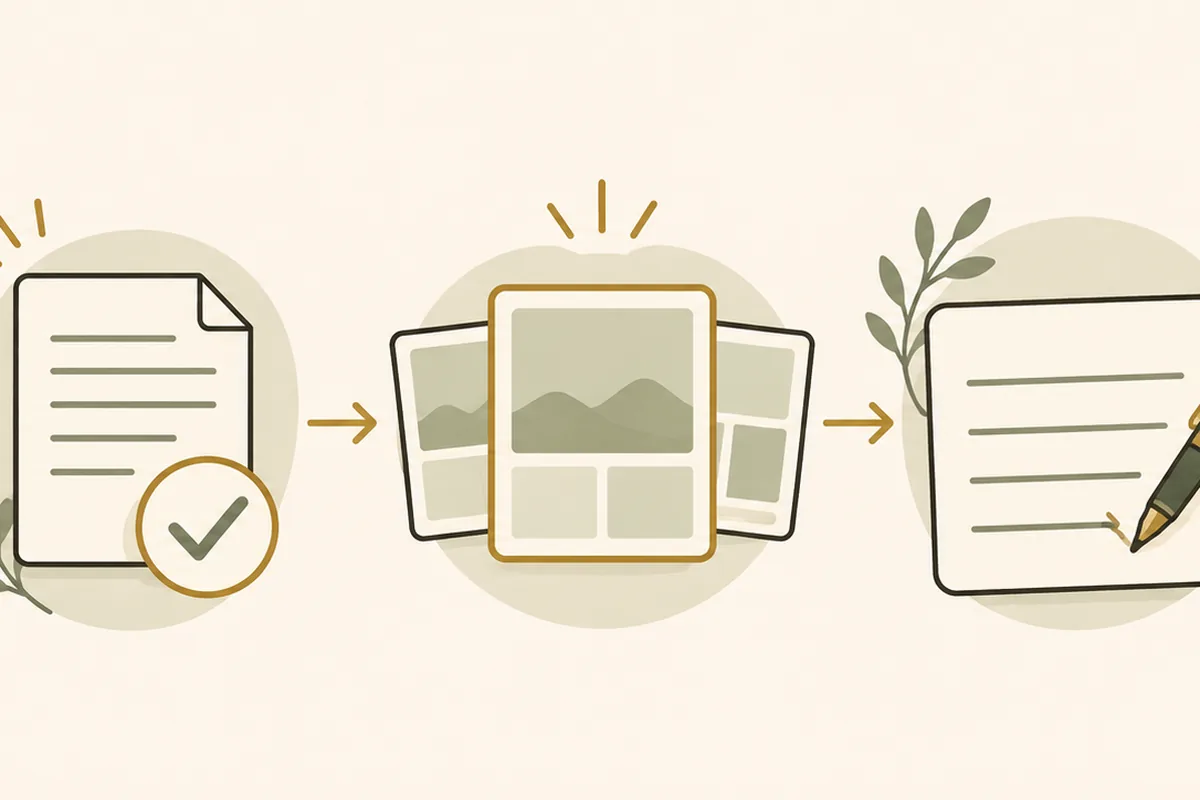
- Choose the listing moment. A coming-soon post, open-house reminder, under-contract update and just-sold post answer different questions. Pick one moment before opening the template library.
- Gather approved details. Confirm the status, address, dates, price if shown, photo permissions and brokerage requirements. Do not use placeholder details from a sample design.
- Pick a layout that fits the message. A property photo needs room to breathe. An event reminder needs the date and location to be easy to find. Remove decorative elements that compete with those facts.
- Write one clear caption. State the update, add a useful detail and tell the reader what to do next if there is a genuine next step. Do not promise an outcome or imply availability that has changed.
- Preview and review. Check the design at phone size, confirm names and dates, then follow your broker's approval process before publishing.
For a complete stage-by-stage map, see our guide to real estate social media posts. For a specific event, the open house flyer checklist covers the information a flyer needs.
What to Write When the Template Is Blank
Use a caption frame that fits the listing moment. Replace every bracket with verified details, and remove any line you cannot substantiate.
Coming soon: “A new home is coming to [neighborhood] on [date]. More details soon. Contact [agent or brokerage] for the approved information.”
Open house: “Visit [address] on [day] from [start time] to [end time]. See [one accurate feature]. For directions or access details, contact [agent or brokerage].”
Under contract: “This [neighborhood or property type] is now under contract. Thank you to everyone who helped prepare for the next step.” Confirm the status and your broker's wording before posting.
Just sold: “The sale of [property or neighborhood] is complete. Congratulations to the people involved, and thank you to everyone who made the process possible.” Do not identify clients or share sale details without permission.
The four frames need different visual emphasis too. A coming-soon post can lead with a property image and a restrained status line. An open-house reminder needs its date and time to stand out. An under-contract update should state the confirmed status clearly. A just-sold post can acknowledge the milestone without disclosing a client's name or private story. Use one layout family if that helps your feed feel consistent, but change the hierarchy to fit the information.
These are starting points, not approved advertising copy. Your brokerage, MLS and local rules may require other details. If you are a Realtor member, review Article 12 of the NAR Code of Ethics, which covers truthful representations and advertising. Ask your broker before using a caption that refers to a client, a transaction or a property's availability.

Where Realtor Marketing Kit Fits
Realtor Marketing Kit is for agents who want a prepared set of editable marketing assets, rather than a collection of designs they must organize and write from scratch. Its landing page lists 25 template sets, including social posts, animated stories, buyer and seller guides, email materials and a weekly content calendar. Social designs include listing, market update, quote and seasonal formats. See the full contents and current price before choosing it.
The kit is delivered as a PDF with Canva template links and two PDFs. The templates are edited in a free Canva account; Canva Pro is not required. You still replace sample information, add your own approved images, check every fact and publish through your usual channels.
This is not a scheduler, CRM, sign-in sheet or lead-generation service. We have no verified outcome data to claim that a template creates leads or sales. If that scope matches what you need, review the Realtor Marketing Kit before deciding whether its prepared starting points suit your work.
Why Trust This Article
About us: we are the Cosmo Suite team behind Realtor Marketing Kit, so this comparison is not independent. On 10 November 2026, we checked Canva's public real estate collection, its real estate business page and our current product contents and price. We compared the steps each option covers; we did not measure leads or sales. Our editorial team ran a fact check of every product fact and price against those pages on the same date. Canva features and template availability can change; check the current page and your brokerage rules before acting. To report an error or ask about the kit, use our contact page.
Canva is a trademark of Canva Pty Ltd. Realtor Marketing Kit is not affiliated with or endorsed by Canva.
Frequently asked questions
Can real estate agents use Canva for free?
Yes. Canva offers a free account and a public collection of real estate designs. You can edit many templates without a paid plan. Check each design for any paid elements before you download or publish it.
What should a realtor put in a Canva post?
For a listing post, use an approved property photo, accurate status and details, your brokerage information where required, and one clear next step. For a non-listing post, choose a useful market note, buyer or seller tip, or neighborhood update. Ask your broker to review advertising rules.
Are Canva templates enough for real estate marketing?
They can be enough when you only need a few designs and are happy to write the copy and organize the work yourself. If you need a repeatable set of post types and starting copy, a prepared kit can reduce that setup work. Neither option guarantees leads.
Do I need Canva Pro for real estate posts?
No. You can make and edit designs in Canva's free account. Some individual Canva elements or features may be paid, so check the design before you build a workflow around it. Realtor Marketing Kit's templates are designed for a free Canva account.
How do I keep real estate Canva posts compliant?
Use accurate listing details and photos you have permission to share. Follow your brokerage, MLS, state and platform rules, including any required firm identification. Review each post with your broker before publishing because requirements vary.
Sources
Keep reading
Social Media Posts
Real Estate Social Media Posts: Every Post Type Mapped to a Stage of the Sale
Real estate social media posts mapped to each stage of a sale: coming soon, just listed, open house, under contract and just sold, with caption frames.
· 9 min read
Social Media Posts
Real Estate Infographics: 10 Topics Buyers and Sellers Save
Real estate infographics can make buyer and seller questions easier to answer. Use these 10 topics, source checks, and layout tips to plan your next post.
· 9 min read
