Real Estate Postcards: 8 Ideas and What Goes on Each Side
Real estate postcard ideas for listings, open houses, farming, and client notes. See what goes on each side, then check size and copy before printing.
By Realtor Marketing Kit by Cosmo Suite · Editorial policy
Published · 9 min read
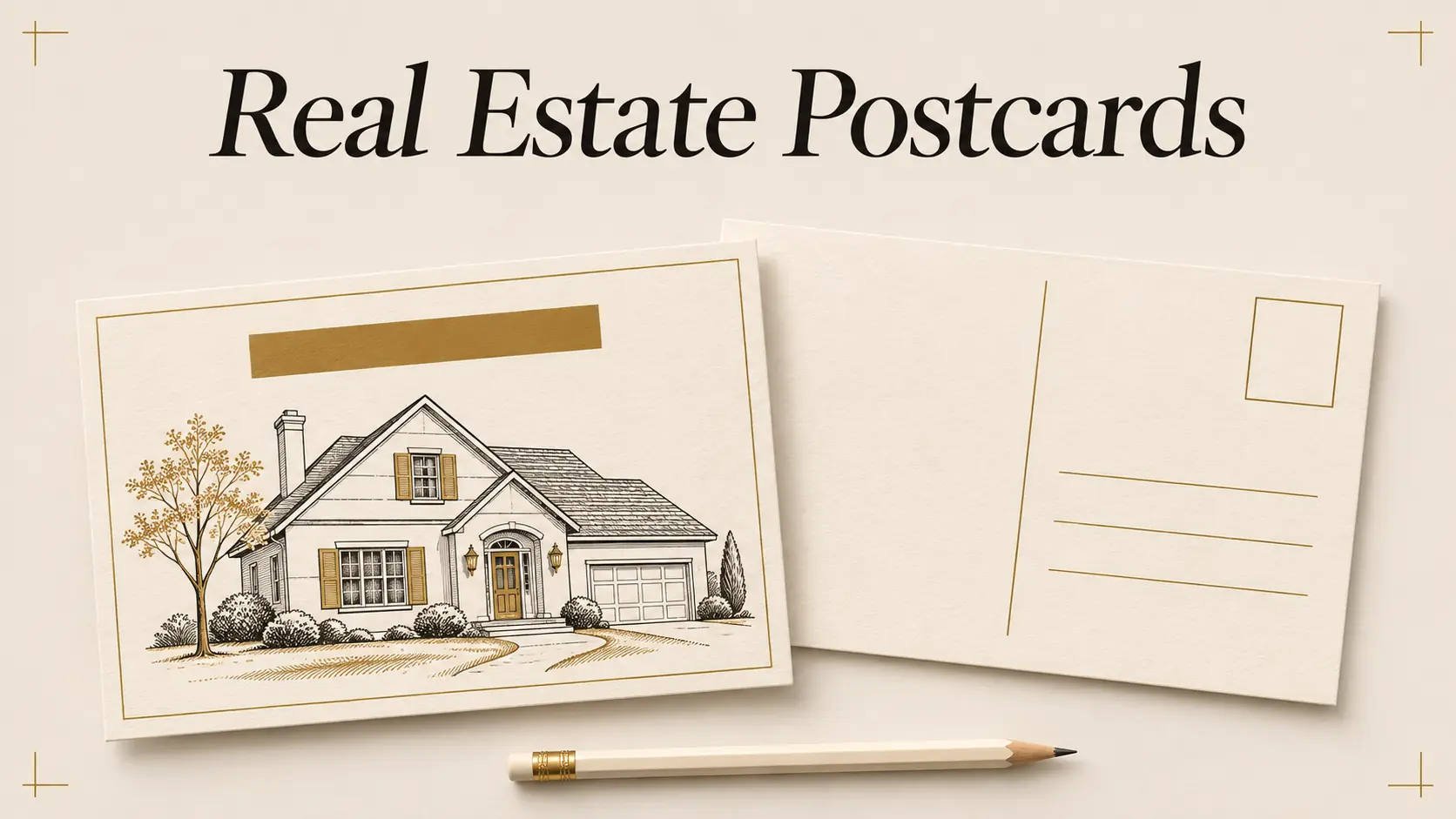
A real estate postcard has two jobs: make one message easy to notice, then give the reader a clear next step. The front earns a glance. Use the back for the details, address, and response route.
A real estate postcard is a single mailed card used to share a property, local update, or service note. It needs a different layout from a social post because the back must leave room for mailing information.
The Short Version
- Pick one reader and one reason for mailing.
- Give the front one visual focus and a short headline.
- Keep the back legible, with clear address and postage space.
- Confirm facts, image permissions, print specifications, and broker requirements before ordering.
Keep the copy short enough to suit the person receiving it. Use the message they need, then choose from these eight starting points and their front and back plans.
8 real estate postcard ideas at a glance
Match a real estate postcard idea to a specific moment, such as a listing launch or a useful neighborhood update. Give each card one purpose. Use the back for details the reader needs to respond.
| Postcard idea | Front | Back | Best moment |
|---|---|---|---|
| New listing | One approved property photo and address area | Key facts, contact details, required firm language | After listing details are approved for sharing |
| Open house | Event headline and a clear property image | Confirmed date, time, address, directions, contact route | When the event details are final |
| Just sold | A simple sold message or approved exterior photo | Short note to the neighborhood and your contact details | After confirming status and permission |
| Farm introduction | Your name and a recognizable local scene | Who you serve, one useful point, contact details | When introducing yourself to a farm area |
| Market snapshot | One clear local indicator | Source, area, date range, explanation, contact route | When you have a current and defensible source |
| Seasonal note | A local season or community image | A brief greeting or practical seasonal reminder | When the note fits your audience |
| Past-client check-in | A personal, neutral greeting | A short note and an easy way to reach you | For a relationship touch, without a sales claim |
| Buyer or seller tip | One practical tip as the headline | A short explanation and next step | When the tip stands on its own |
Choose one purpose before you design
Write the card’s purpose in one sentence before opening Canva. “Invite neighbors to the open house on Saturday” gives you a usable brief. “Promote my business” leaves the headline, image, and back copy without direction.
Next, name the recipient. A nearby homeowner, a past client, and a buyer attending an open house need different information. A farm introduction can explain who you are and how you serve the area. A listing card should focus on one property and only include approved facts.
Carry a message across channels when it fits, then adjust it to the format. The real estate social media post guide maps social post types to listing stages. A postcard needs space for mailing information. A resized social graphic still needs a back designed for the mail.
If you are also preparing the online announcement, editable Realtor Marketing Kit social templates can cover that separate post. Keep the postcard layout and mailing checks separate.
If your message depends on a number or market claim, identify the source and date before writing the headline. If you cannot explain what the number covers, leave it off. A clear event invitation or service note is stronger than a vague claim about being the neighborhood’s top agent.
Build these eight postcard concepts
Give the two sides different jobs. Sample wording is a starting structure. Replace bracketed text with verified details, and ask before using a client’s name, image, or story.
1. New listing
Front: Use one property image you are authorized to share, a brief “Just listed” headline, and the property’s approved address or area. Avoid small feature lists on the front. One visual and one detail give the card a clear entry point.
Back: Add a few confirmed facts that matter to the intended reader, such as the property type or an approved open-house date. Include your contact information and any firm or listing disclosures required by your broker. Check status and details against the current listing record before printing.
2. Open house invitation
Front: Make the event the headline: “Open house” plus the confirmed day and time. Use a property image or a simple location cue. Do not make the reader search through decorative text to find when it is happening.
Back: Repeat the complete address, date, start and end time, and a way to ask a question. If directions are useful, keep them brief and check them. For the full event sequence, see these open house ideas for before, during, and after.
3. Just sold neighborhood note
Front: Use “Sold” only after you verify the status and your permission to make the announcement. A simple type-led design can work when a property image or client image is not approved.
Back: Keep the note modest: “A home on [street or area] recently sold. If you have a question about the process, here is how to reach me.” Do not attach a price, timeline, or client detail unless it is accurate, public, and approved. The just-sold post examples offer related social copy checks.
4. Farm introduction
Front: Introduce yourself by name and connect the design to the area with a local image you have permission to use. Avoid implying that you represent every homeowner or know what every resident needs.
Back: Say who you are, what kind of real estate help you provide, and how a neighbor can contact you. A short, useful line about a local service or upcoming event may give the card a reason to keep. Do not promise a sale price, quick sale, or buyer demand.
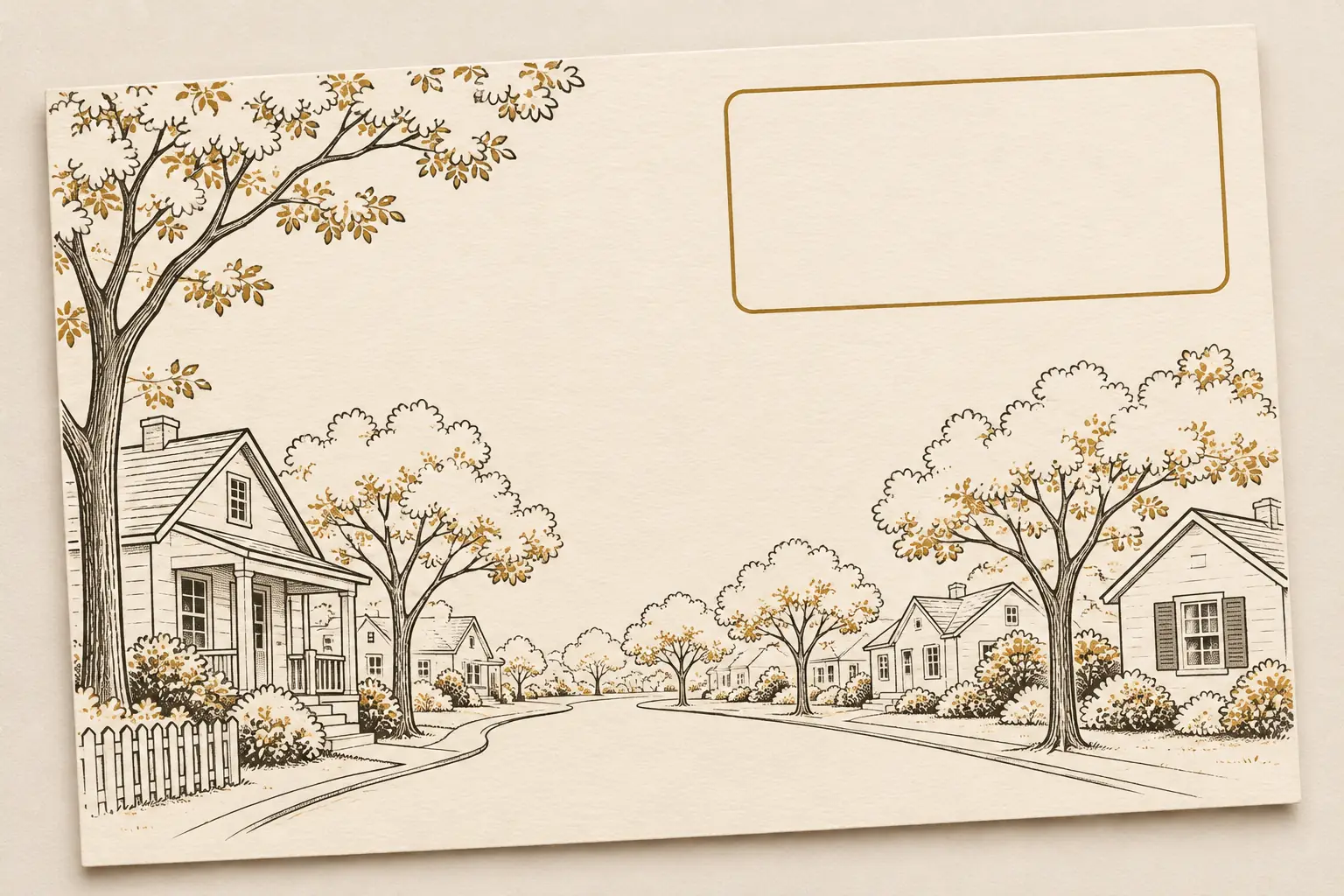
5. Market snapshot
Front: Lead with one local measure and its period, such as a change in new listings over a defined month. The source and geography must be clear. If the data is not recent enough for the mailing date, choose another idea.
Back: Name the source, date range, and area, then explain what the measure does and does not show. A single statistic cannot describe every home or predict what happens next. Ask your broker to review the statement, especially if it could be read as advice or a promise.
6. Seasonal or community note
Front: Use a local seasonal scene or a short greeting. Keep the design broad enough to welcome the people who live in the area. Avoid language that assumes who belongs in a neighborhood or celebrates one kind of household.
Back: Add a brief note, a local resource, or a clear contact line. If you mention an event, verify its date, venue, and public details with its organizer. A community note does not need a sales pitch to carry your name.
7. Past-client check-in
Front: Use your name and a simple “Checking in” or seasonal greeting. A portrait is optional. If you use a client photo or quote, get explicit approval for this printed use.
Back: Write a personal note that does not expose private details. “Hope the new place is treating you well” is enough if that relationship makes the line appropriate. Offer one direct contact option. Do not imply that the recipient has agreed to refer business or provide a testimonial.
8. Buyer or seller tip
Front: Give one practical topic a short headline: “Three details to gather before a listing appointment,” for example. Make sure the tip fits your role and does not cross into legal, tax, or financial advice.
Back: Explain the tip in a few lines, then say how to ask you a follow-up question. Keep the note specific enough to help but short enough to scan. For a longer handout, point the reader to a buyer or seller guide you have checked and are allowed to share.
Set the front up for a quick scan
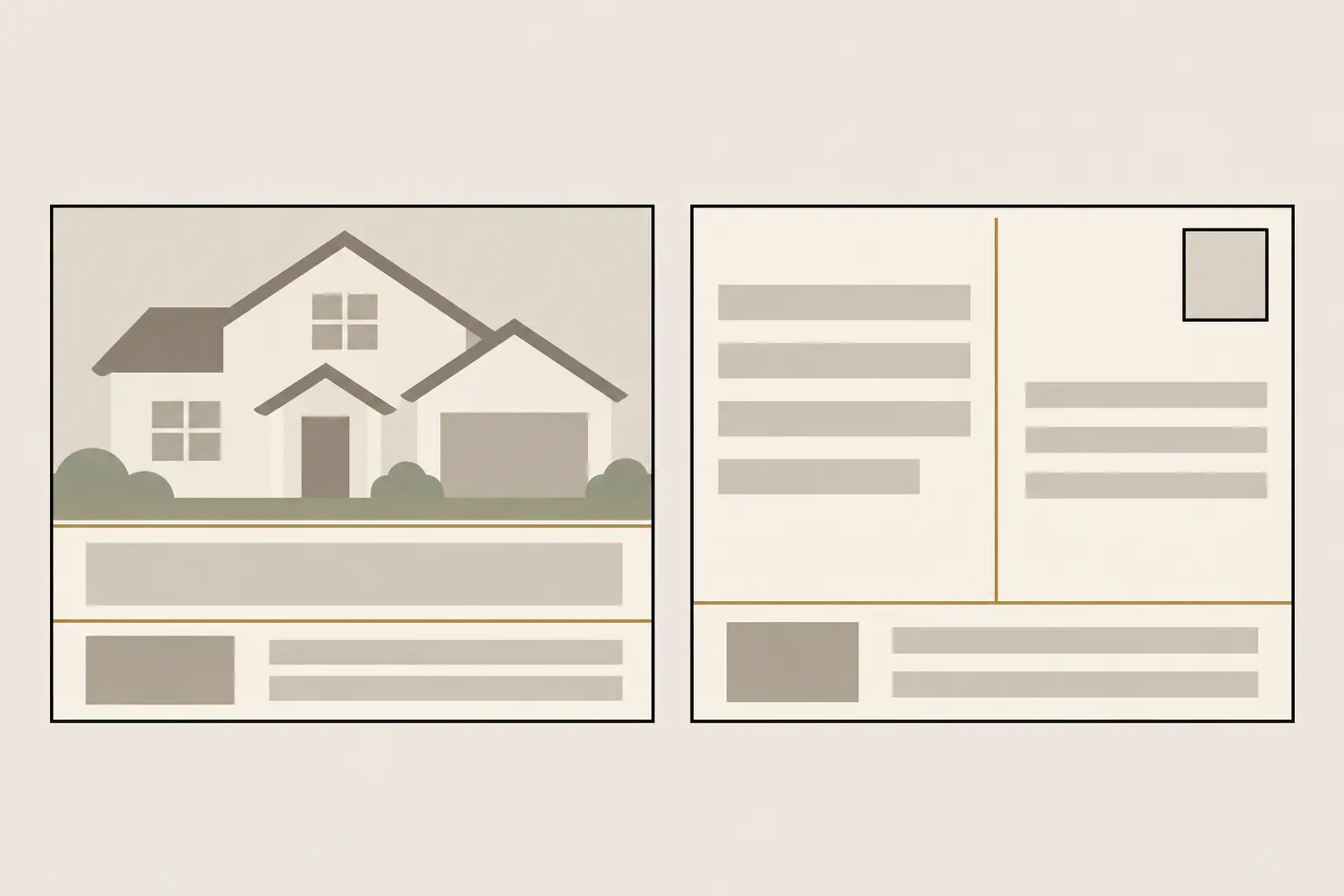
Show one main idea before the reader turns the card over. A useful order is a visual, a short headline, one supporting detail, and your name or brand. A single property or community image keeps the front easy to scan.
Check the image rights and the facts attached to it. A listing photo should be approved for this use, and any image should match the property or place described. Do not use a generic luxury home image that could make the reader think it is the actual listing.
Keep text large enough to read at the final printed size. Use strong contrast between text and background, and leave open space around the headline. If the front has a QR code, test it from a printed proof and include a short human-readable path as a backup.
The design can carry across a flyer and postcard, but each has a different job. The real estate flyer layout guide covers print pieces that do not need an address and postage area. For the postcard, reserve that space before moving decorative elements into the back.
Use the back for address and follow-up
Leave space on the back for the recipient address, postage, return address, and main note. Ask your mail provider for its current template before laying out the card. Keep copy and graphics outside the printer’s address and barcode clear zones.
USPS lists a rectangular piece measuring 3½ by 5 inches through 4¼ by 6 inches, with thickness from 0.007 to 0.016 inch, for retail First-Class Mail postcard pricing. A card outside those limits may be treated differently. Commercial mail, printing, and automation can have separate rules, so verify the current specifications and postage with USPS Postal Explorer and your provider.
Use the back for one short supporting message, not a second front. Add one response path: a phone number, a simple URL, or a QR code that has been tested. Put the agent and firm details where your broker says they belong. Do not print a QR code that leads to an unreviewed page.
Before approving a batch, order or print one proof. Check the trim, image crop, color, text size, address placement, postage placement, and every contact detail. A screen preview cannot show whether fine text will remain readable on the finished card.
Check copy with your broker before printing
Ask your broker to review claims, listing details, firm identification, and required disclosures before a postcard goes to print. Advertising and licensing rules vary by state and context. Use this as a planning checklist, and ask your broker about legal requirements.
The National Association of REALTORS® 2026 Code of Ethics says REALTORS® should present a true picture in advertising and other representations. It also includes firm-identification requirements for real estate advertising. Read Article 12 in the current Code, then follow your brokerage’s review process and state rules.
Review the audience language and images as well as the facts. NAR’s Fair Housing Declaration includes a commitment to advertising that indicates everyone is welcome and no one is excluded. Avoid wording that suggests a neighborhood is intended for a particular kind of person or household. Ask your broker about any specific fair-housing question.
Use this final pass before approving a print file:
- Confirm every property status, date, address, statistic, and source.
- Check image permissions and remove private client details without permission.
- Confirm firm name, license language, and disclosures with your broker.
- Check the postal size, paper thickness, printer template, and safe areas.
- Read the card at print size and test every QR code or URL.
Why Trust This Article
Realtor Marketing Kit is a Cosmo Suite product for real estate agents. We reviewed the kit’s published contents, USPS postcard dimensions, and the current NAR Code of Ethics and Fair Housing Declaration on November 7, 2026. We did not test postcard response rates or claim that a particular design produces leads. Confirm mailing and brokerage requirements before you print.
Where Realtor Marketing Kit fits
Realtor Marketing Kit can help with related marketing assets. It does not include postcard designs or mailing services. The kit lists a local realtor flyer, social posts, buyer and seller guides, and email materials. Build a separate postcard in Canva or with a print provider, then check the specifications before ordering.
If you want editable assets for the social side of a listing, Realtor Marketing Kit’s Canva marketing templates include posts organized around real-estate marketing needs. Canva is a separate service and is not affiliated with Realtor Marketing Kit. The kit does not post, schedule, address mail, or promise leads. Use it for the assets it actually contains, then make and review the postcard on its own.
Frequently asked questions
What should a real estate postcard say?
Give the card one purpose and one reader. A listing card needs checked property details; an open-house card needs the confirmed date, time, and address; a neighborhood card needs one useful local or market point. Add your contact route and any brokerage language your firm requires.
What goes on the back of a real estate postcard?
Use the back for the recipient address, postage area, return address, a short supporting note, and one response path. Keep the address and postage areas clear. Ask your printer for its template and safe-area rules before you finish the design.
What size is a standard postcard?
For retail First-Class Mail postcard pricing, USPS lists a rectangular card between 3½ by 5 inches and 4¼ by 6 inches, with thickness from 0.007 to 0.016 inch. Other mail classes and commercial rates can differ. Confirm current rules with USPS or your mail provider before printing.
What should a just-sold postcard include?
Confirm the sale status and your permission to share the property details first. Then choose one clear message, such as a simple neighborhood update or a client-approved thank-you. Avoid implying a result that the sale does not prove.
How often should a real estate agent mail postcards?
There is no schedule that fits every agent or neighborhood. Set a pace you can maintain, choose a useful reason for each card, and follow your brokerage rules and the preferences of the people you contact. A mailing calendar can help you avoid sending the same message repeatedly.
Does Realtor Marketing Kit include postcard templates?
No. Realtor Marketing Kit includes one local realtor flyer plus editable social posts and guides, but it does not include postcard designs or mailing services. You can use the ideas here to plan a separate postcard in Canva or with a print provider.