Just Sold Post Ideas: 6 Captions That Keep the Story About the Client
Just sold post ideas for real estate agents: six caption frames to announce the sale, thank your clients, and check the details before you publish.
By Realtor Marketing Kit by Cosmo Suite · Editorial policy
Published · 8 min read
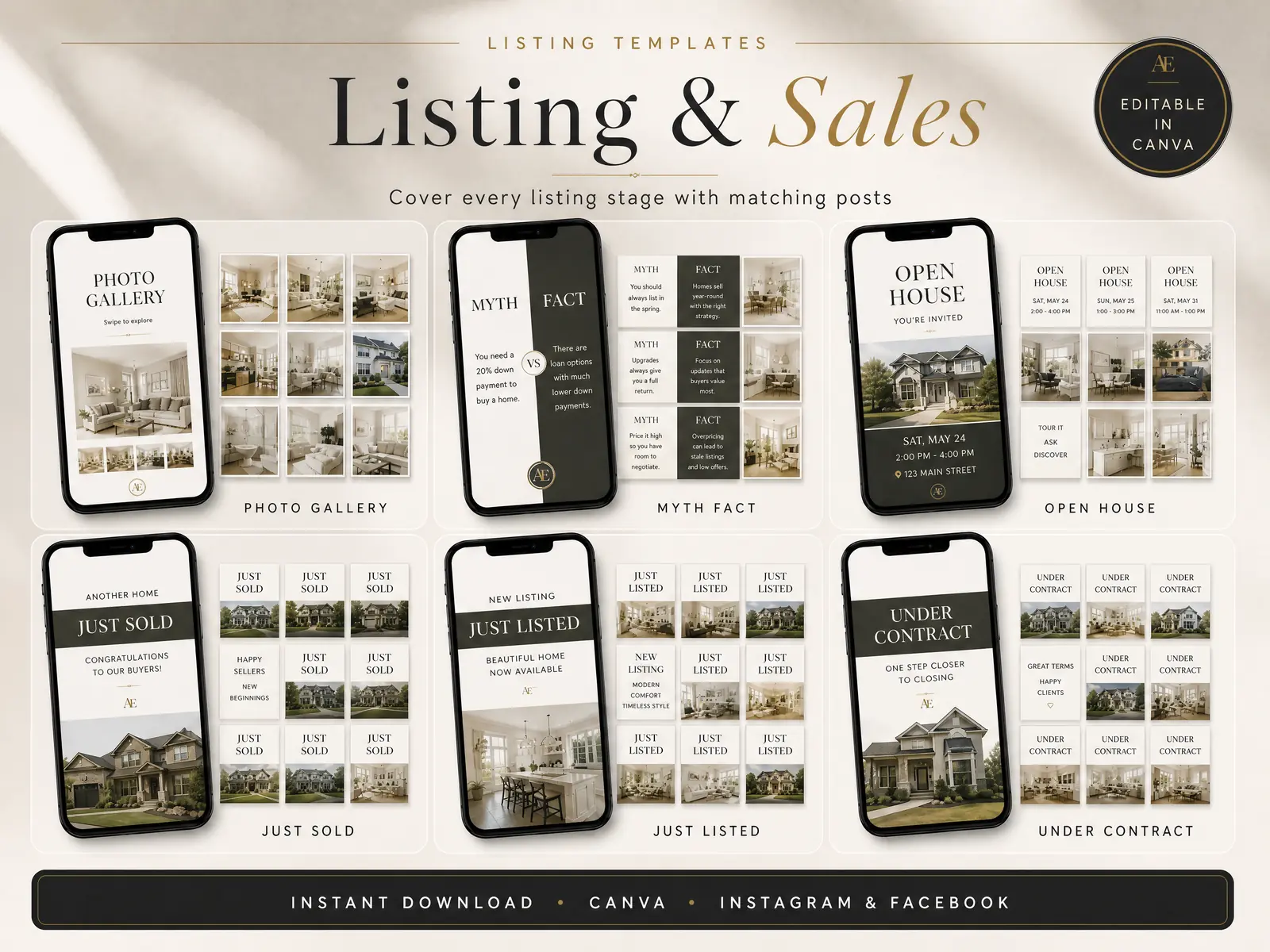
The keys have changed hands, and now you want to mark the sale. A just sold post can keep the client at the center of the announcement instead of turning it into a list of your own wins. Check the status, thank the people who helped, and share only the details they agreed to make public.
Treat each frame below as a fill-in, not a ready-made claim. Replace each bracket with a real detail, confirm the status and image, then get the post approved under your brokerage and local rules. If you want the design ready before the next closing, editable real estate social media post templates give you a layout for listing and sales announcements.
The Short Version
- State the sold milestone only after confirming the status and your authority to share it.
- Keep the caption about the client’s moment, not an unsupported claim about your own results.
- Ask before adding names, faces, price, personal details, or a quote.
- Use one of the six frames below, then adjust it to your client and your market.
What Makes a Just Sold Post Feel Personal?
A useful just sold post names the milestone, offers a specific thank-you, and leaves out details the client has not approved. You do not need a long story or a dramatic claim. One real detail, such as the client’s first name with permission or the time they spent looking, can make the note sound like it belongs to them.
Start with the reader’s point of view. A buyer or seller may be glad to see the move celebrated, but they may not want their name, family photo, purchase price, or reason for moving online. Ask what they are comfortable sharing and where. A yes to a closing photo does not necessarily mean a yes to a personal quote or a tagged profile.
The National Association of REALTORS® 2026 Code of Ethics says member communications should be honest and truthful, including marketing. It also addresses confidential client information. Those duties apply to online activity as well as in-person work. Read the current Code of Ethics and Standards of Practice and follow your broker’s review process.
Six Just Sold Caption Frames to Adapt
Use these as structures. The words in brackets are prompts for details you have checked, not facts to invent. Each frame can work with a property photo, a client-approved photo, or a clean graphic that does not reveal extra information.
| Post angle | Caption frame | Check before publishing |
|---|---|---|
| A simple milestone | “Sold in [area]. Congratulations to [client-approved name or ‘my clients’] on the next chapter, and thank you for trusting me through the process.” | Confirm the status and whether the area is okay to share. |
| A client thank-you | “A happy closing day for [approved name]. Thank you for letting me be part of this move. Wishing you plenty of good moments in your new place.” | Get approval for the name and the personal message. |
| A first home | “One set of keys, a lot of planning, and a new place to call home. Congratulations to my clients on their first home.” | Use “first home” only if the clients have said they are comfortable with that detail. |
| A move across town | “A new address closer to [approved place or routine]. Congratulations to my clients, and thank you for letting me help with the move.” | Ask before naming a workplace, school, family member, or routine. |
| A seller milestone | “Sold. Thank you to my clients for trusting me with the sale of their home. I’m grateful to have helped with this next step.” | Confirm that the seller approves a public announcement. |
| A process note | “From the first conversation to closing day, this move took [one accurate, approved detail]. Congratulations to my clients, and thank you for the trust.” | Keep the detail factual and private enough for public sharing. |
[Unique insight] Each frame leads with a different part of the milestone: status, thanks, a new home, a move, the seller’s next step, or the process. Pick one. Adding every angle to one caption can make a small announcement sound like a campaign.
A just sold post is a public announcement that a real estate transaction has reached a confirmed sold status. It is not a closing notice for every audience or market. Choose the wording your broker and MLS use, then check it again before you publish.
1. Keep the status exact
Use “sold” only when the transaction has reached the status your brokerage and local rules recognize as sold. “Under contract,” “pending,” and “closed” can mean different things in different markets and systems. Do not swap one for another because it sounds stronger.
Before the caption goes live, check the status in the system your broker tells you to use. If a transaction is still waiting on a condition, inspection, financing, or closing, choose wording that does not suggest it is finished. When in doubt, pause and ask the broker or transaction lead.
2. Thank the client without telling their story for them
A thank-you can be warm without revealing why someone moved, what they paid, or what happened during negotiations. “Thank you for trusting me with this move” is enough. A client’s personal story belongs in the post only if they want it there and approve the final wording.
Ask for approval in writing when you plan to include a name, image, quote, or detail that identifies the client. Then send the finished draft, not only a general idea. The post might look different once the photo, location, and account tags are added.
3. Let the image support the announcement
Pick a property image you have permission to use, a client-approved photo, or a branded graphic. Review the crop at full size. Check the background for mail, family photos, documents, faces, license plates, or anything else the client did not agree to share.
If you use a client photo, confirm who took it and whether you have permission to post it. A closing-table picture can include paperwork or names in the background. Crop or replace the image if you cannot make the details private without changing what the photo represents.
4. Make your role clear and the claim modest
The NAR Code says REALTORS® should present a true picture in marketing. A post can say you helped with a sale when that is accurate. Avoid implying you represented both sides, produced a record result, or achieved a result that you cannot support.
Use a permitted firm name or disclosure where your broker requires it. Rules differ by state, board, MLS, and platform, so use your brokerage’s checklist. NAR’s overview of social media risks and REALTOR® obligations explains why online posts still count as professional communications.
5. Keep the next step low pressure
The caption can end after the congratulations. If you add an invitation, keep it clear and ordinary: “If you’re planning a move, send me a note and I can explain how I work.” Do not suggest that one client’s outcome guarantees another person’s result.
If the image or copy mentions housing opportunities, consider whether it communicates fairly to the audience. NAR’s fair housing advertising guidance is a useful review point. This article is a writing aid, not legal advice. Follow your local law, MLS, and brokerage rules.
A Quick Review Before You Post
Use this short check after you have picked a caption frame:
- Status: Is “sold” accurate today, and are you authorized to announce it?
- Permission: Did the client approve the name, photo, quote, and details in this exact post?
- Privacy: Does the image reveal documents, an address, a routine, or another person who has not agreed to appear?
- Accuracy: Can you support every factual claim? Remove superlatives or numbers you cannot verify.
- Disclosure: Does your firm name or other required notice appear as your broker expects?
- Review: Have you checked the rules that apply to this listing and your market?
The checklist is useful because the caption and the graphic can each add information. Review them together. A careful sentence can still sit beside a photo that reveals a client’s address or paperwork.
If you are planning a series across the listing timeline, this map of real estate social media posts by stage shows how a just sold announcement fits beside just listed, open house, and under contract updates. For an earlier event in that sequence, see the open house plan for agents.
Where Realtor Marketing Kit Fits
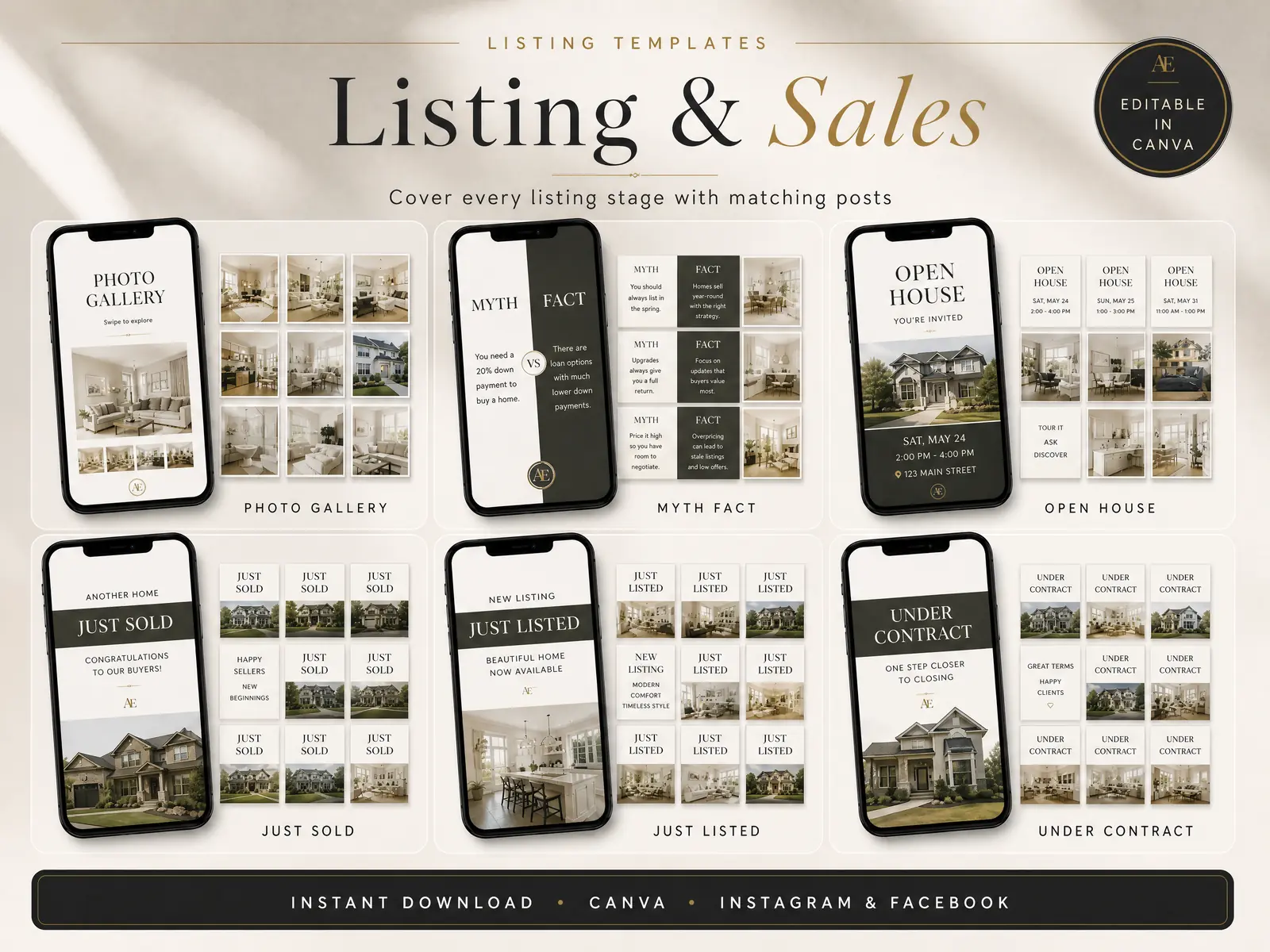
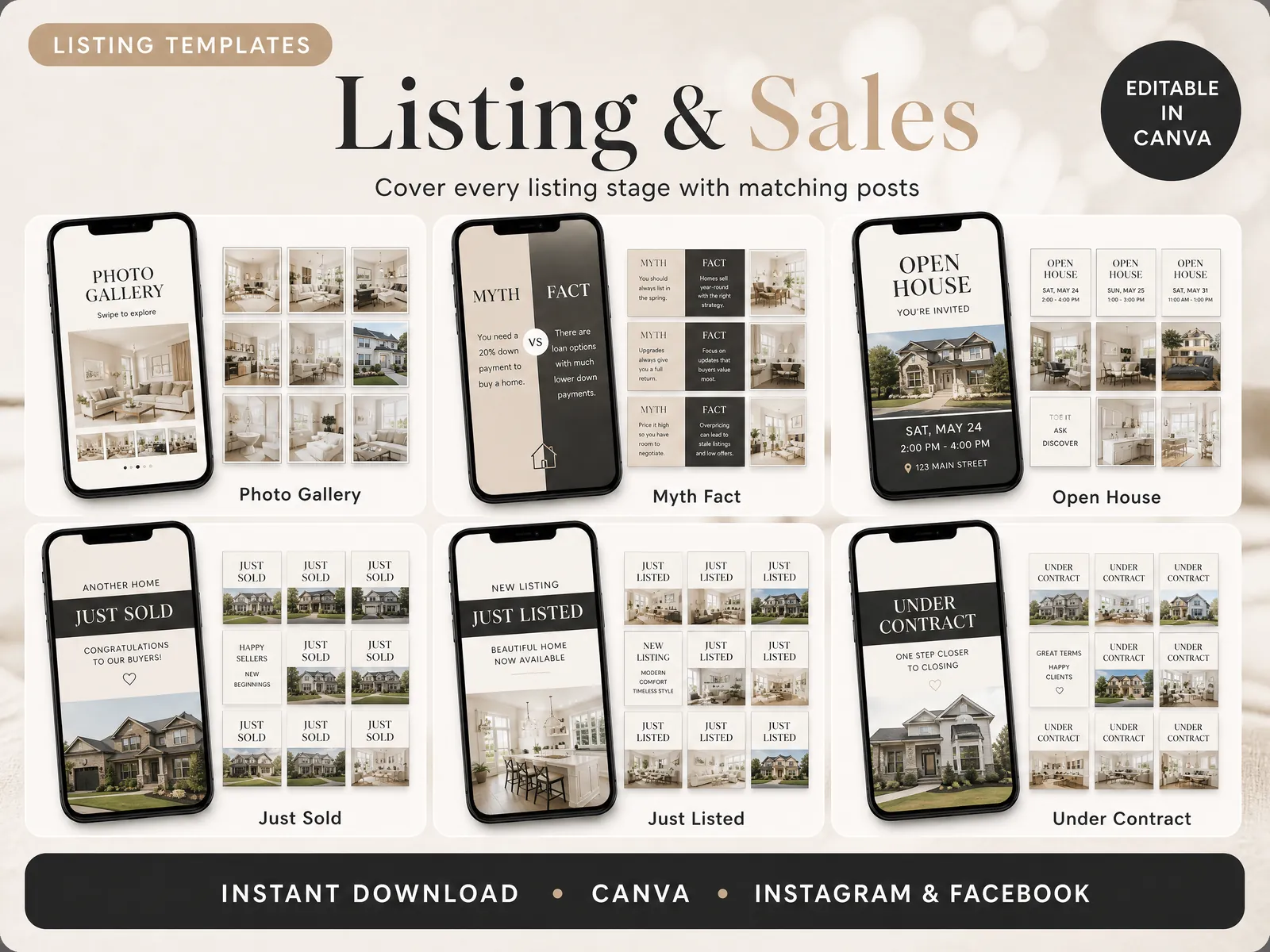
Realtor Marketing Kit includes Just Sold post designs among its Canva template sets. The product is a template kit, so you still choose the photo, confirm the facts, and edit the design for the listing. A ready-made Just Sold post layout can save you from building the graphic from a blank Canva page.
The kit is edited in a free Canva account; Canva Pro is not required. Use the template as a starting point, then replace its sample content with details approved for your transaction. The design does not check your status, obtain permission, or confirm brokerage disclosures.
Each design still needs an agent to choose the right version and review the details. A just sold graphic can carry a short status line, while the caption gives the thank-you and any approved context. Keep the address, names, and property image consistent across both pieces. If one detail is not approved, remove it from the image and the caption.
If the visual part is where you lose time, editable listing and sales post templates give you a consistent starting point for the announcement. Keep the caption specific to the client and the post accurate to the transaction. A tidy graphic helps the message read clearly; it cannot make a claim true.
Realtor Marketing Kit is published by Cosmo Suite. Read about the publisher and contact the team for questions about the site or its content.
Frequently Asked Questions
What should a just sold post say?
Confirm the status, congratulate or thank the client, and share only details they approved. A short caption can be enough.
Can an agent announce a sale before closing?
Use the status your broker and local rules allow. Do not call a transaction sold or closed before that wording is accurate.
Should I include the sale price?
Only if the price is public under the rules in your market and your broker approves the post. Leave it out when uncertain.
Do I need permission to post a client photo?
Ask the client before sharing their image or personal details, and confirm you have the right to use the photo.
What should I avoid in a just sold caption?
Avoid unverified results, private transaction details, unsupported superlatives, and language that implies a result is guaranteed.
Frequently asked questions
What should a just sold post say?
Say that the home sold, thank the people who helped, and share only details your client approved. One approved detail can make the caption feel personal. You do not need a list of claims.
Can a real estate agent post that a home is sold?
Use the status only when it is accurate and you have authority to share it. Check the transaction status, your client’s preferences, the listing agreement, brokerage policy, and any MLS rules before posting.
Should you include the sale price in a just sold post?
Only include a sale price when it is public under the rules in your market and your broker approves the wording. If you are unsure, leave it out and share the milestone without transaction details.
Do you need the seller’s permission to post a sold home?
Ask your client before sharing their name, photo, personal story, or nonpublic transaction details. Permission to market a property does not automatically mean every detail belongs on social media.
What photo works for a just sold post?
Choose a property image you are allowed to use, a client-approved closing photo, or a simple branded graphic. Check that no person, document, address, or private detail appears without approval.